
Home › Articles › Property Tax in Panipat: A Complete Guide to Payment, Rebates, and Rules
Property Tax in Panipat: A Complete Guide to Payment, Rebates, and Rules
By PropertyGeld Editorial Team
Published on PropertyGeld:
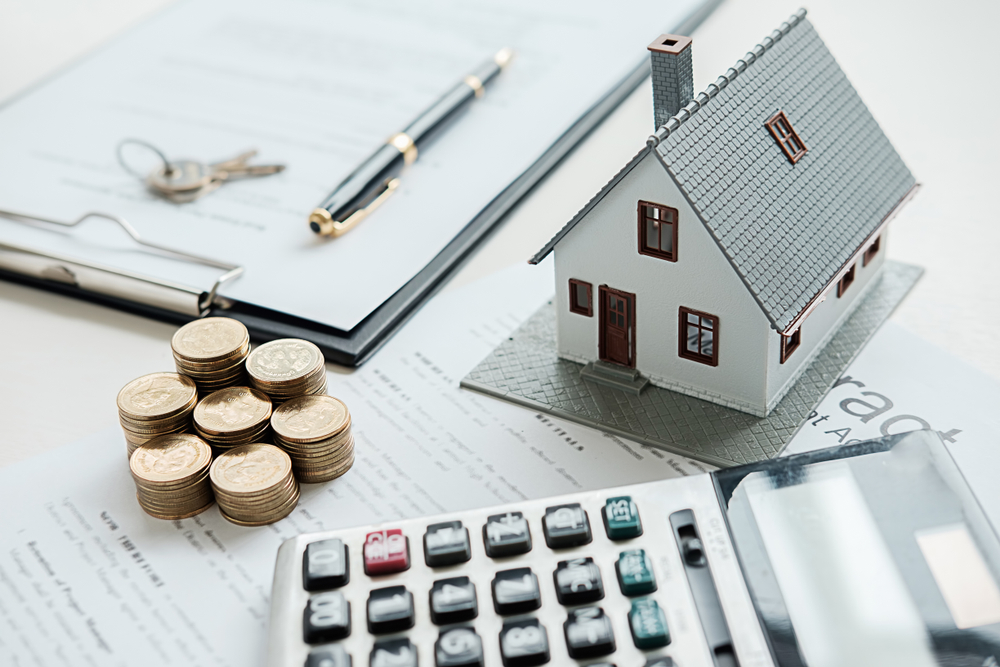
Property tax in Panipat is administered by the Municipal Corporation of Panipat, Haryana. To make tax-related services easier for residents, the civic body has introduced an online platform that allows property owners to search, calculate, and pay their property tax conveniently.
The amount payable as property tax depends on several factors such as the nature of the property, its age, built-up area, and usage type. Property tax collected by the corporation plays a vital role in funding city services like sanitation, road maintenance, drainage systems, and other public facilities.
Municipal Property Tax Classification in Haryana
Under Haryana’s revised municipal property tax framework, cities are grouped into two categories:
-
A-1 Cities: Gurugram and Faridabad
-
A-2 Cities: Ambala, Panchkula, Karnal, Panipat, Rohtak, Hisar, and Yamunanagar
Property owners in Panipat who pay their property tax on or before 30 September 2024 are eligible for a one-time rebate of 15%, as announced by the state government.
How is Property Tax in Panipat Calculated?
To help residents estimate their tax liability, an online property tax calculator is available on the official Haryana Urban Local Bodies (ULB) portal. The calculation is based on multiple parameters, including:
-
City category
-
Type of property (residential, commercial, etc.)
-
Covered area of the property
-
Property category and sub-category
-
Number of floors
-
Applicable rebates
-
Additional property-related details
How to Pay Property Tax in Panipat Online?
Residents can easily pay their property tax online through the official municipal portal by following these steps:
-
Visit the official website of Nagar Nigam Panipat.
-
Select “Search and Pay Property Tax” from the Property Tax section on the homepage.
-
You will be redirected to the Haryana ULB property tax portal.
-
If you are a new user, click on “Not Registered Yet?” to begin registration.
-
Enter details such as name, father’s or husband’s name, mobile number, and email ID to receive an OTP.
-
After successful registration, log in using your mobile number, email ID, or Property ID (PID).
-
Verify using OTP and proceed to complete the property tax payment.
How to Pay Property Tax in Panipat Offline?
Those who prefer offline payment can visit the Municipal Corporation office during official working hours. Property owners should carry relevant property documents and can pay using cash or card.
Municipal Corporation Panipat – Contact Details
-
Address: Tau Devi Lal Complex, Railway Road & Palika Bazar Office, Panipat
-
Phone: 0180-2645800
-
Office Hours: 9:00 AM to 5:00 PM (Monday to Friday, excluding holidays)